Time to read :
1 min read
Customer Relationship Management (CRM) has evolved a lot. What began as a simple contact list has now become a platform that runs entire sales, marketing, and customer service operations.
According to Grand View Research, the global CRM market is expected to rise by $163 billion by 2030. This means more businesses are adopting this platform to build strong relationships, automate workflows, and drive consistent revenue growth.
However, there are so many CRM tools in the market, claiming to be the best. How do you know which one fits your business needs?
Let’s find out in this list of the top 10 CRM software leading the market today.
What is CRM Software and Why Does Your Business Need It?
Before going straight into the list of top CRM software, let’s learn what it is and why every business should have one.
CRM or Customer Relationship Management software helps businesses manage all their customer information and interactions in one place. Instead of juggling numerous spreadsheets or email threads, your team gets an organized view of every customer touchpoint in CRM software.
It helps you track leads, manage sales pipelines, automate repetitive tasks, and stay connected with your customers more efficiently. With the help of this tool, every department tends to work together towards the same goal of building stronger and longer relationships.
Because of CRM, companies witnessed:
29% increase in their sales.
27% rise in customer retention.
The team is spending fewer hours on admin work and more on selling.
Modern CRM tools are more than just contact management. They offer sales automation, marketing integration, AI-powered analytics, and detailed reporting that turns raw data into meaningful insights.
Key Features to Look for in CRM Software
It is essential to know the features beforehand to get the CRM software according to your business needs.
Contact Management: A CRM stores all your customer details, like names, emails, call history, and preferences, in one place. This way, your team tends to access information quickly and provide a more personalized experience.
Sales Pipeline Management: Your sales pipeline is like a visual roadmap that shows where every deal stands. With it, your team can see which leads are close to closing and forecast future revenue more accurately.
Automation: A good CRM software saves you from manual and repetitive work. It automatically assigns leads, sends follow-up emails, and updates records. As a result, sales reps can completely dedicate themselves to selling.
Email Integration: When your CRM connects directly with your email platform, every message, meeting, and response is tracked automatically. This saves your business from missing any conversation or opportunity.
Reporting and Analytics: A CRM’s dashboard shows real-time insights into sales performance, customer behavior, and team productivity. These analytics help leaders make data-driven decisions that move the business forward.
Artificial Intelligence (AI): Modern CRMs use AI to score leads, predict buying behavior, analyze conversations, and even fill in missing data. This way, the team can focus on highway prospects and close deals faster.
Mobile Access: Top CRM tools come with full-featured mobile apps, which allows team to update records, track leads, and manage deals anytime and anywhere.
Customization: Every business works differently. The best CRMs let you modify fields, workflows, and dashboards to match your company’s unique processes. Many companies partner with a software development company to tailor these systems further for a perfect fit.
Third-Party Integrations: Your CRM should connect smoothly with other business tools, like marketing platforms, accounting systems, and project management apps. This way, your entire operation remains in sync.
Top 10 CRM Softwares
Listed below are the top-ranked CRM software you can choose from:
1. Salesforce CRM
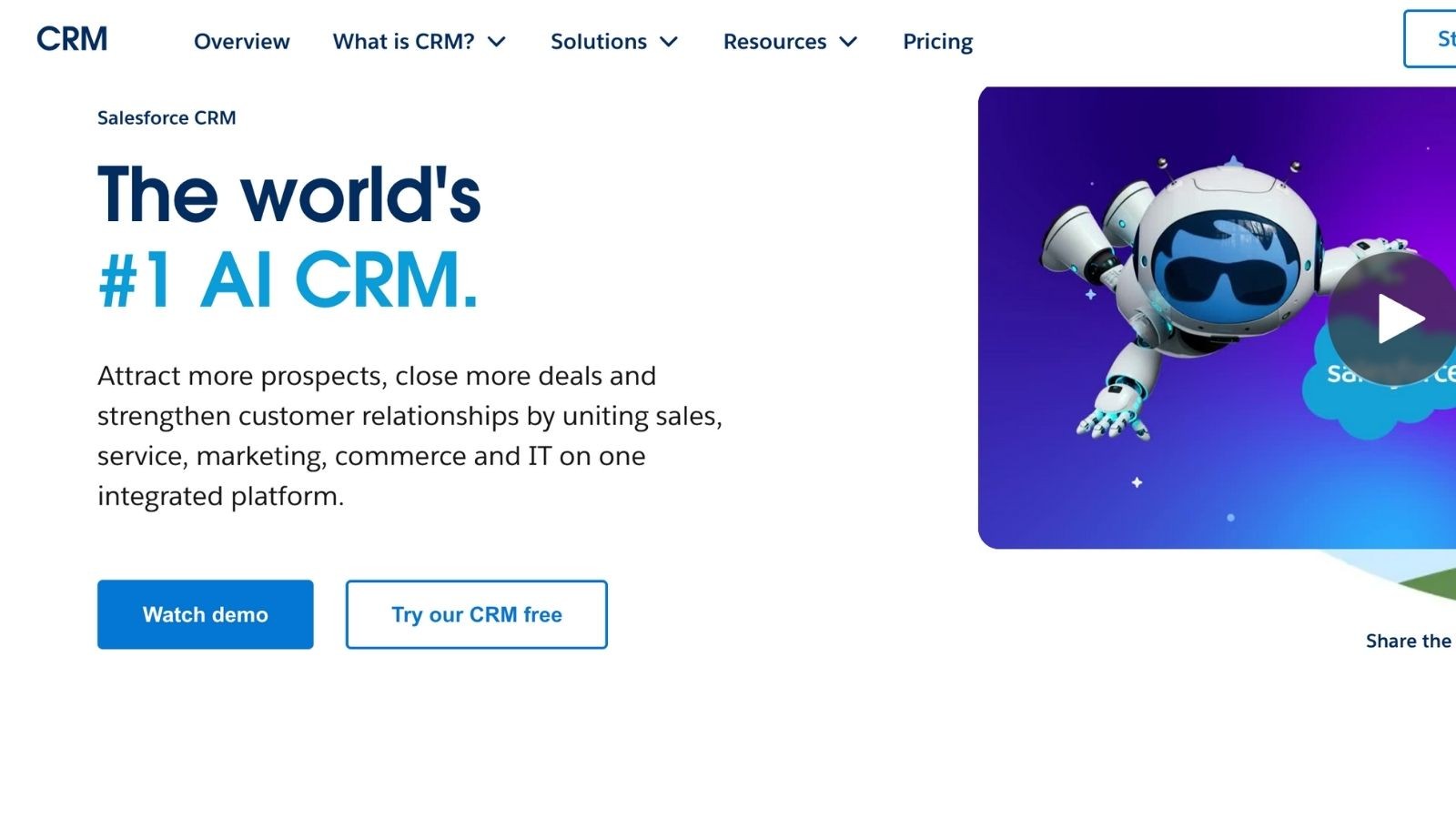
Salesforce is considered the gold standard of CRM software. The software is built for complex and enterprise-level sales operations and can adapt to almost any business model.
It has a huge AppExchange marketplace with thousands of third-party integrations. Setting up and mastering it may take some time. But you get strong returns through automation, detailed reporting, and seamless scalability.
Key Features:
Salesforce has a built-in AI platform called Einstein. It predicts which leads are most likely to close, recommends next steps, and automates routine data entry.
It manages every stage of your sales process with customizable pipelines and real-time tracking.
Its detailed dashboards, charts, and heatmaps help to forecast revenue and identify high-value deals.
It allows your sales team to access over 3,000 integrations and custom apps.
Salesforce’s Flow Builder also lets teams create complex automations without any coding.
Its mobile app keeps teams connected, and integrations with tools like Slack, Mailchimp, and QuickBooks simplify workflows.
Pricing:
Salesforce provides multiple editions, like Essentials, Professional, Enterprise, and Unlimited, with tiered features. Its monthly plan starts at $25 per user, with free trials available. It is important to note that the exact pricing depends on edition and seat count. So, check Salesforce’s site for current details.
Ideal Users
Salesforce is best for organizations with complex sales processes, multiple product lines, or industry-specific needs. It can become the backbone of your customer management strategy if you plan to invest in customization and training.
2. HubSpot CRM
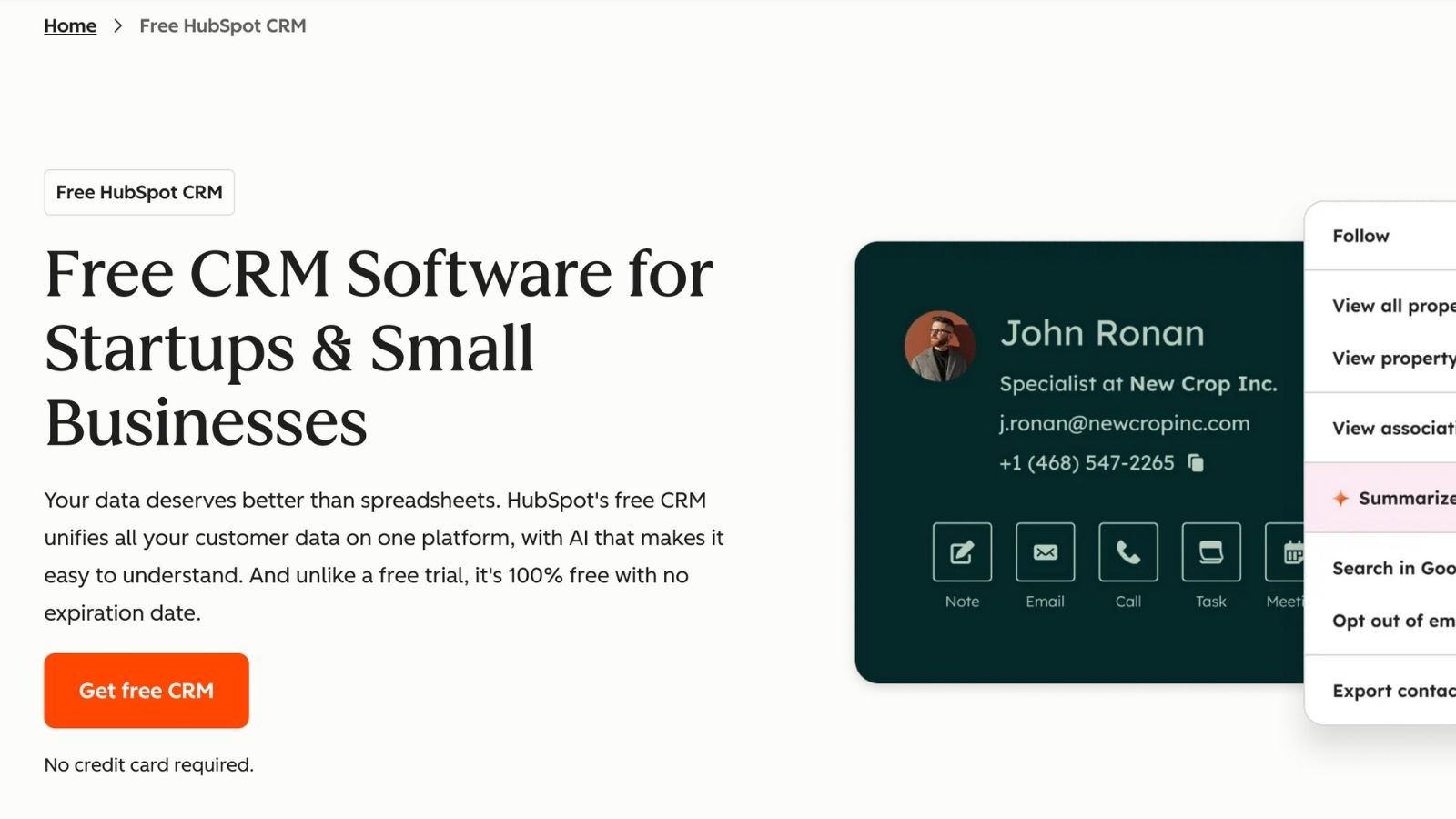
HubSpot is a cloud-based platform that combines sales, marketing, and customer service tools into one easy-to-use system. The best thing about this software is that it is completely free, with unlimited users and up to one million contacts.
It has a clean and simple interface and does not require any training. Businesses can add advanced features through paid “Hubs” as they scale.
Key Features:
HubSpot’s built-in email tracking, meeting scheduling, and contact insights help you manage unlimited contacts, deals, and tasks easily.
It also allows your sales team to launch marketing campaigns, automate follow-ups, and sync data with the marketing teams easily.
HubSpot has an AI assistant called “Breeze Copilot AI.” It helps draft emails, enrich contact data, and provide intelligent suggestions for follow-ups.
Its real-time dashboards show your sales and marketing performance at a glance. This way, the team can focus on things that matter the most.
You can also create landing pages, blogs, and forms directly within the platform.
HubSpot Academy offers free courses to help users master CRM, marketing, and automation best practices.
Pricing
HubSpot CRM provides a free forever plan for basic use. Paid “Sales Hubs” plans start from $9/user/month (billed annually). These plans (Starter, Professional, and Enterprise) unlock advanced features like team email, forecasting, and machine learning.
Ideal Users
HubSpot CRM is ideal for startups, small and mid-sized businesses, marketing teams, and service providers who need a simple yet powerful platform that grows with them. It is especially best for companies looking to align their sales and marketing efforts or focus on inbound strategies to attract and retain customers.
3. Zoho CRM
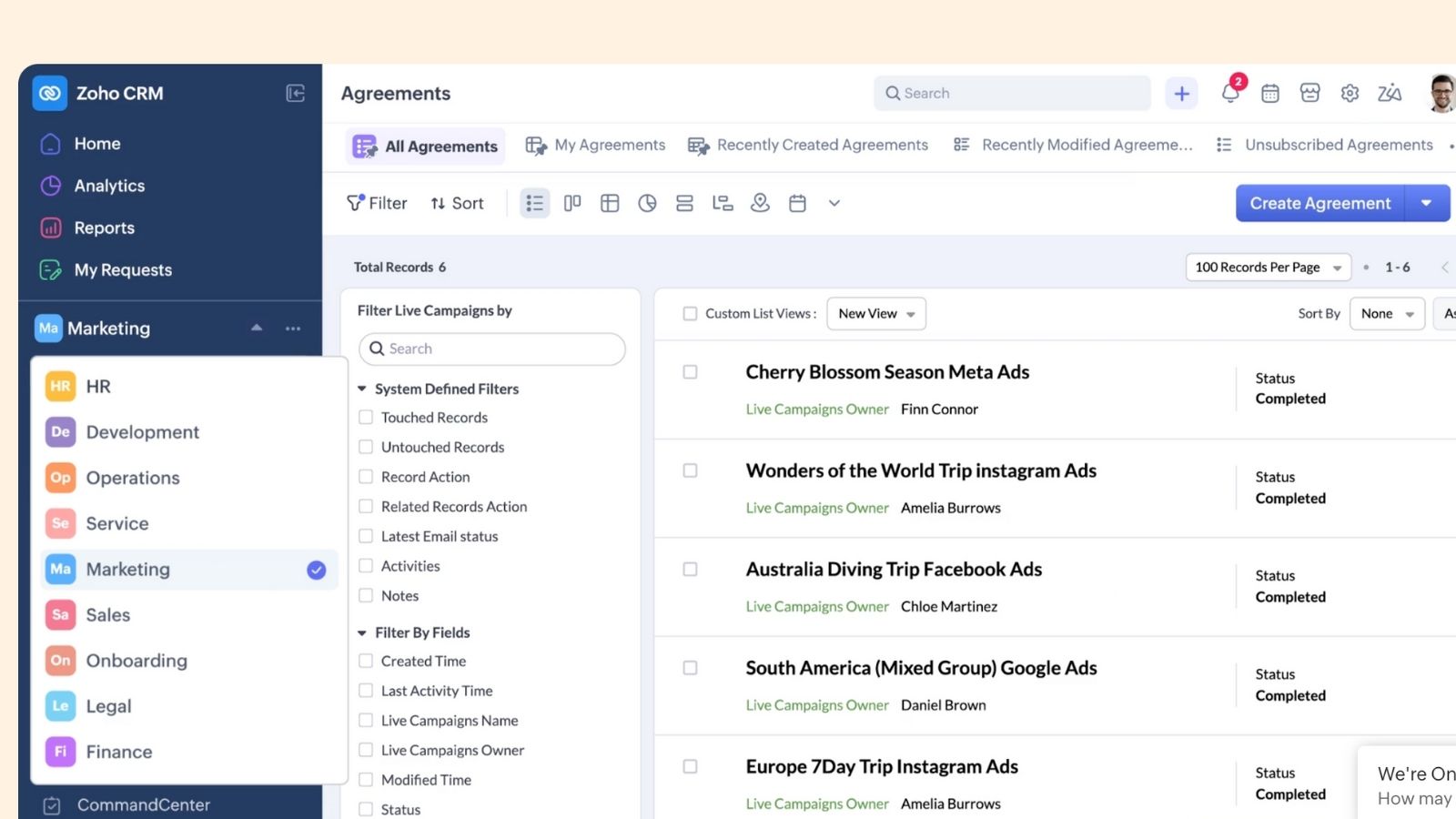
Zoho CRM is a smart solution designed for teams that want advanced features at an affordable rate. It combines sales automation, marketing tools, and customer service capabilities into one unified platform. As a part of the larger Zoho ecosystem, it includes over 40 business apps that integrate easily with the CRM.
Key Features:
Zoho’s built-in AI is known as Zia. It predicts lead conversions, suggests the best time to contact prospects, and spots unusual data patterns to improve forecasting accuracy.
It also manages conversations across email, phone, live chat, and social media in one place. This way, your team keeps track of every customer or lead.
Zoho allows you to customize your CRM interface with an easy drag-and-drop editor.
It helps you build structured and repeatable sales processes so every team member follows the same successful steps.
You can create visual dashboards with charts, heatmaps, and filters to track performance and identify high-value opportunities.
It even eliminates manual tasks like follow-up emails and data updates using visual workflows.
It has a dedicated iOS and Android apps that keep your sales team productive even when they are offline.
Pricing:
Zoho CRM offers a free plan for up to 3 users. Paid plans begin at $14 per user per month (billed annually). It unlocks advanced features, like advanced AI, automation, and analytics tools. Higher-tier plans add inventory management, multilanguage support, and deeper customization for larger teams.
Ideal Users
Zoho CRM is ideal for small to mid-sized businesses. Teams already using other Zoho applications have a huge advantage in connecting everything seamlessly. Its flexibility and predictive AI make it one of the top recruitment CRM software options for agencies looking to track candidates, manage client communications, and automate repetitive administrative work.
4. Pipedrive
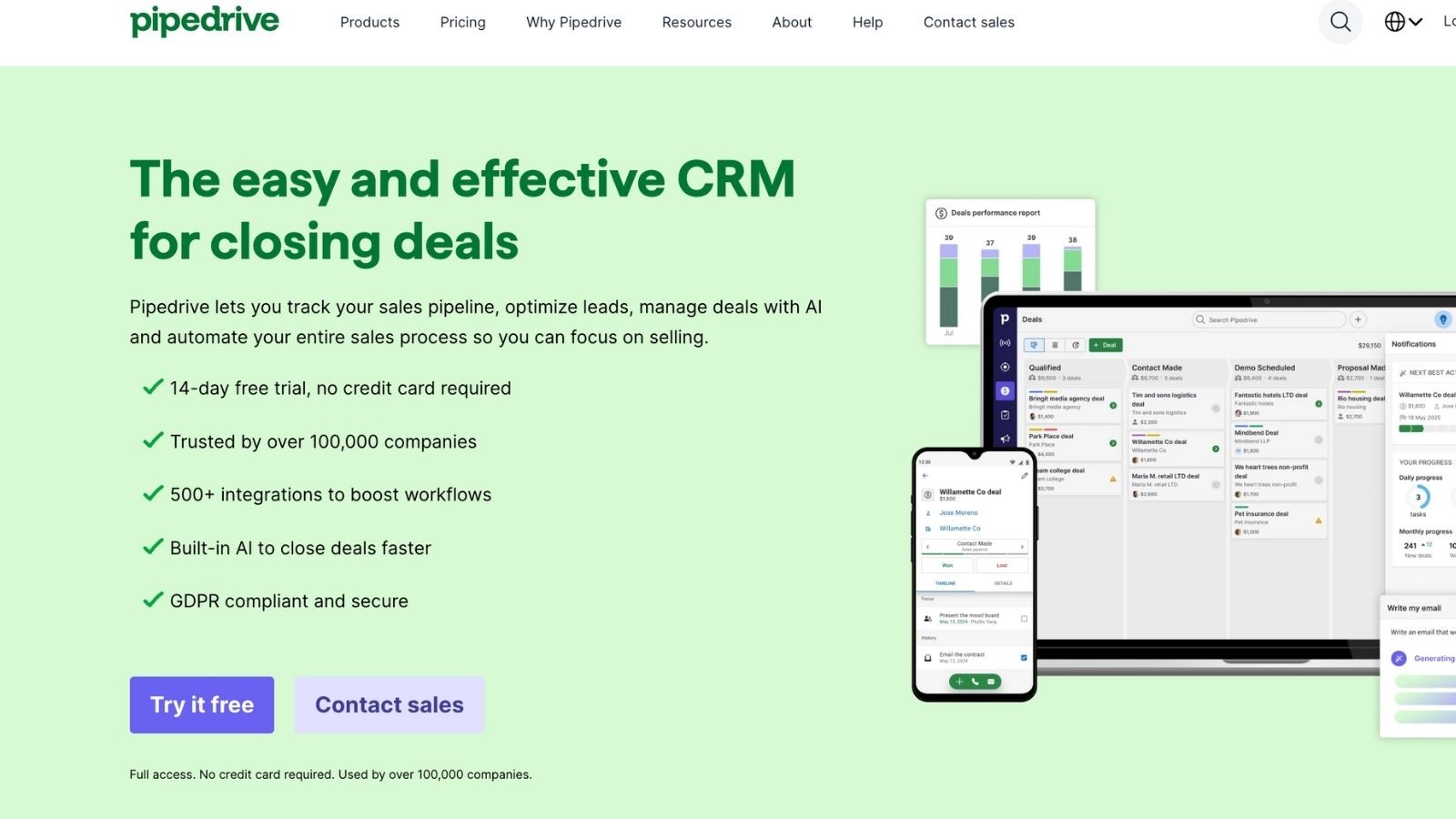
Pipedrive is a sales-focused CRM built by salespeople for salespeople. Its main goal is to simplify deal management through an intuitive and visual pipeline. As a result, your team stays organized and focused on closing more deals.
Unlike more complex systems, Pipedrive provides just the right tools to manage contacts, monitor pipelines, and forecast revenue, without overwhelming users with unnecessary features.
Key Features:
Pipedrive provides a clear and customizable pipeline that lets you move deals through stages with a simple drag-and-drop motion.
It offers smart suggestions, identifies sales patterns, and recommends next steps to help teams close deals faster.
You can sync Pipedrive with Gmail, Outlook, and other email platforms so you can send, receive, and track communication.
It automatically enriches the contact profiles with publicly available information, which saves hours of manual work.
You can set targets, predict revenue, and track progress towards your team’s sales goals.
You can also automate repetitive tasks like follow-ups and call scheduling through easy-to-set rules that match your unique sales process.
Pricing
Pipedrive includes multiple editions. Its monthly plans start at $14 per seat (billed annually). Higher tiers add advanced reporting, revenue forecasts, and team management features. Every plan includes the visual pipeline, mobile apps, and basic email integrations.
Ideal Users
Pipedrive is perfect for small to medium-sized sales teams that want a CRM focused solely on managing deals and improving conversion rates. It is particularly useful for teams that value clarity, speed, and ease of use over extensive marketing features.
5. monday CRM
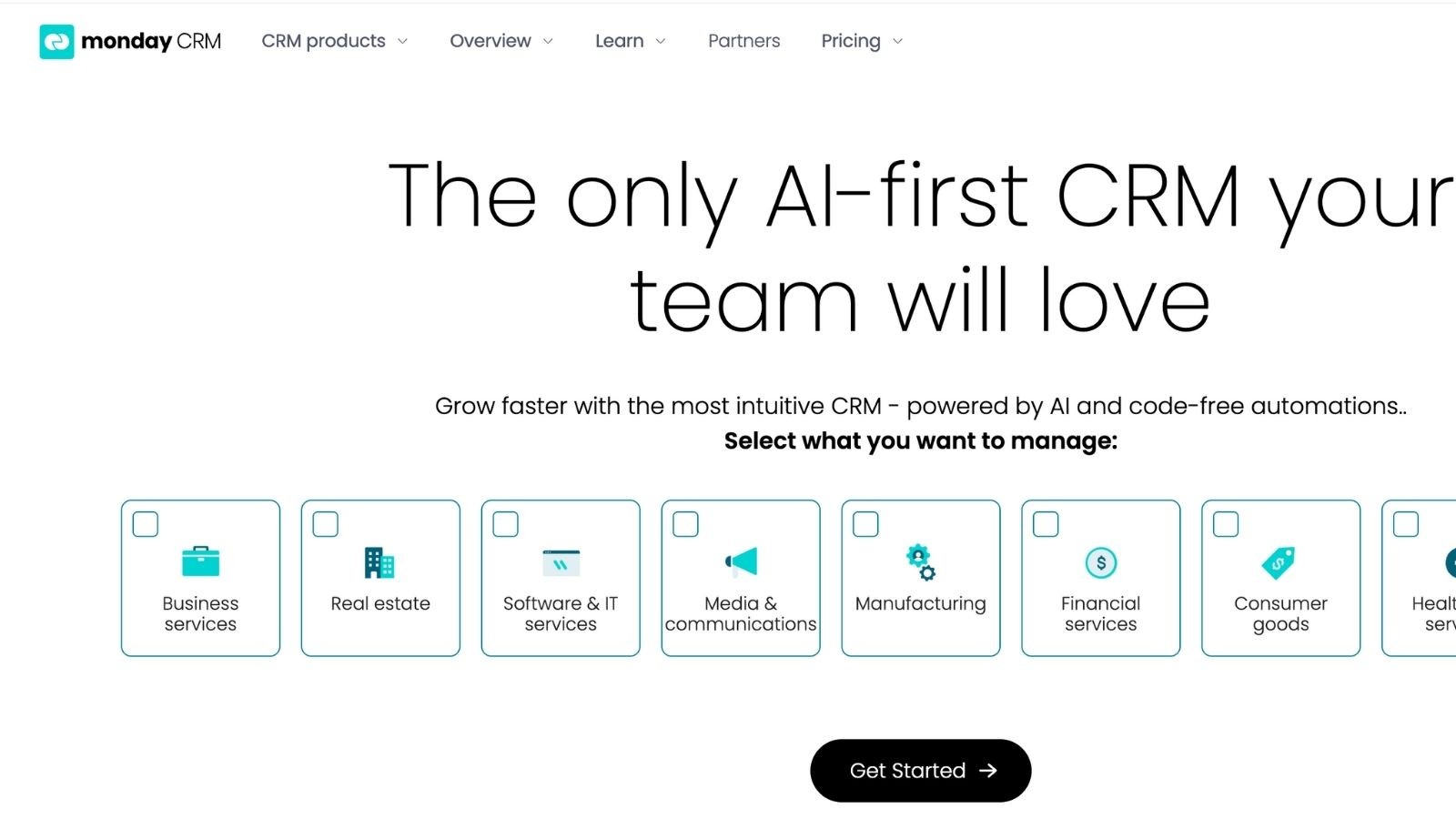
monday CRM is a visual sales and no-code platform designed for flexibility and collaboration. It combines CRM functionality with the project management power of monday.com’s Work OS, which allows teams to manage leads, customers, and projects all in one place.
This platform is the best for teams that want to customize their CRM without any technical assistance. You can even collaborate with a custom software development company to integrate monday CRM with other essential business tools or create specialized workflows tailored to their unique operations.
Key Features:
You can build your own sales boards with color-coded columns and deal cards. It lets you add custom fields, automations, and dashboards according to your sales process.
Its AI automatically predicts lead scores, assigns sales reps, and removes repetitive data entry tasks. Ready-made “recipes” help automate common workflows in just a few clicks.
You can keep your contacts, deals, meetings, and emails all in one board for full visibility across your sales pipeline.
It also allows you to connect with tools like Gmail, Outlook, Teams, and Zoom, so all customer communications and files are centralized.
It manages both your sales pipeline and project delivery easily.
You can also create custom dashboards to track team performance, deal progress, and forecasts in real time.
Pricing
monday CRM offers a 14-day free trial. Its paid plans (Basic, Standard, Pro, and Enterprise) start at $12 per seat per month. Every plan includes unlimited boards and 24/7 support. But higher tiers further add automations, dashboards, and user permissions.
Ideal Users
monday CRM is ideal for agencies, professional services firms, and growing teams that need to manage customer relationships and project delivery in one place. It is a great choice for businesses that value visual workflows, team collaboration, and scalable customization without relying on complex coding.
6. Microsoft Dynamics 365
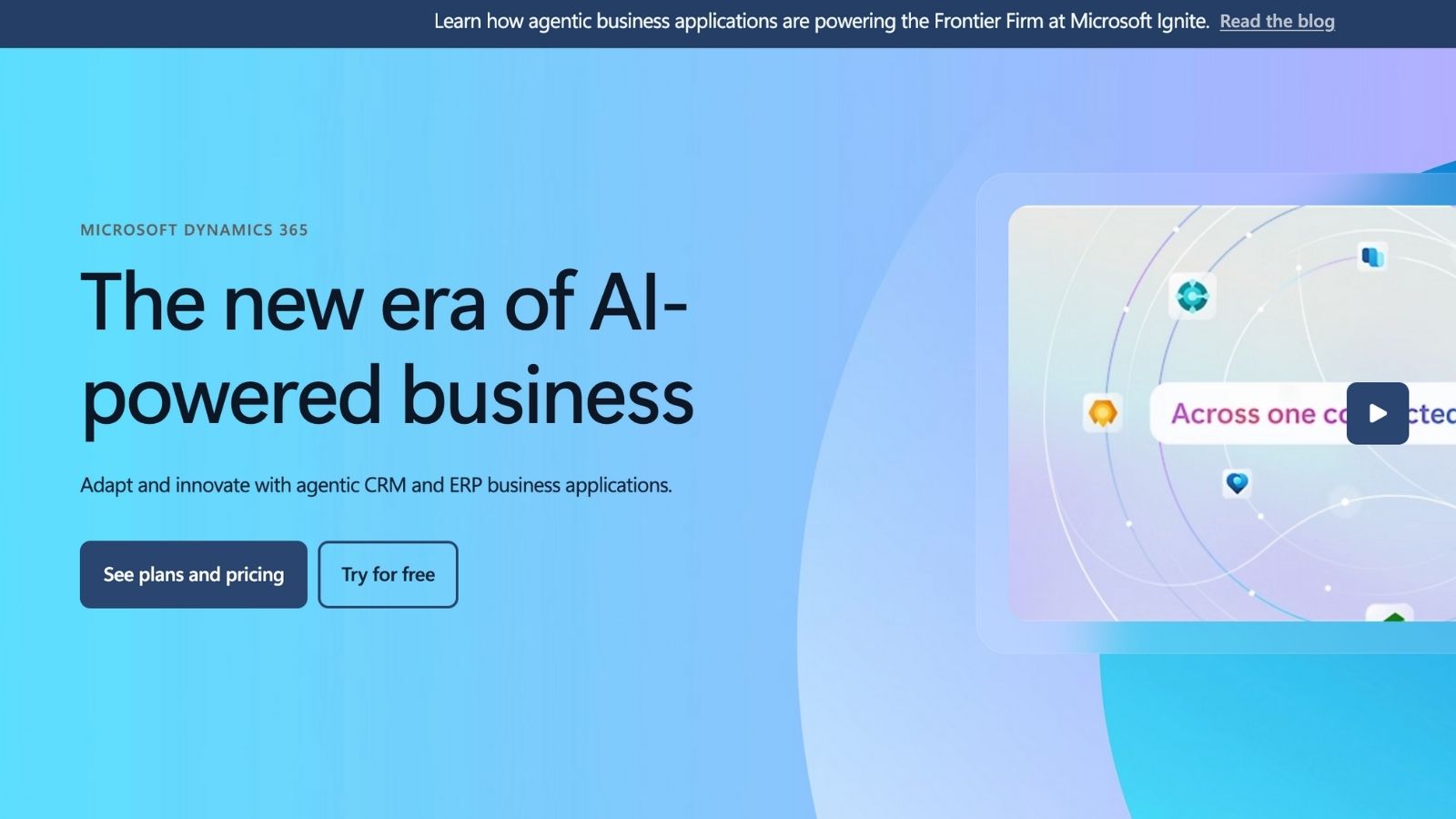
Microsoft Dynamics 365 is a robust CRM software designed for organizations that rely on Microsoft products like Outlook, Teams, and Excel. This CRM provides businesses with Microsoft’s enterprise-grade security.
Key Features:
It connects effortlessly with Office 365, SharePoint, Teams, and Azure, which allows you to share data across departments effortlessly.
It also provides predictive analytics and intelligent insights to helps sales team prioritize leads and forecast outcomes more accurately.
The solution comes with pre-built templates designed for industries like finance, healthcare, and retail, making setup faster and more efficient.
You can access LinkedIn data directly within the CRM to identify prospects, build relationships, and personalize outreach.
It offers multiple hosting options, like cloud-based, on-premises, or hybrid, to fit your organization’s infrastructure and compliance needs.
Pricing
Microsoft Dynamics 365 plans start at $65 per user per month. It is one of the top CRM software for the financial sector.
Ideal Users
It is ideal for medium to large enterprises that are standardized on Microsoft products and need advanced security, compliance, and analytics.
7. Freshsales (Freshworks CRM)
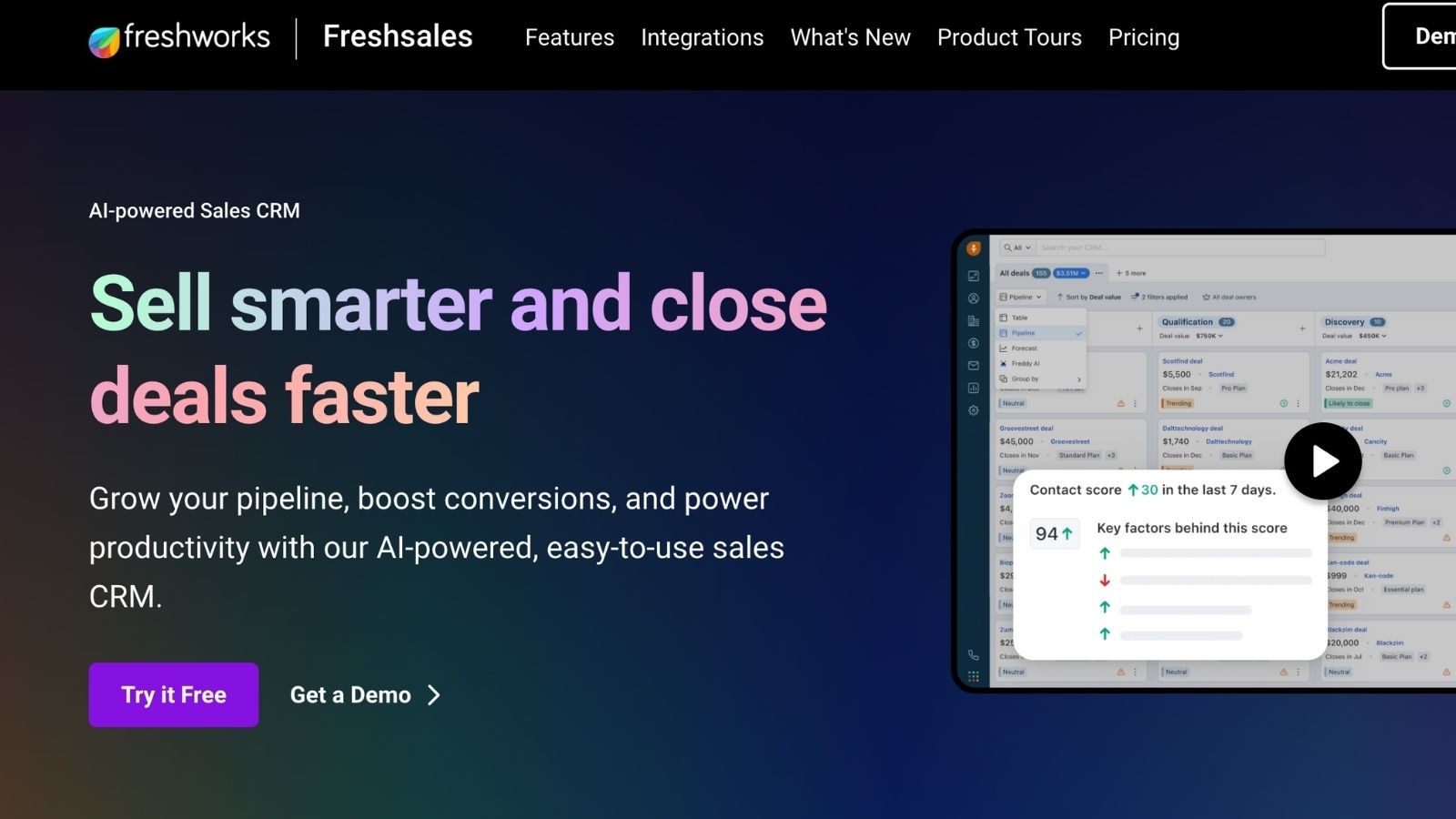
Freshsales is a part of the Freshworks suite and is one of the top CRM options for small and growing businesses. Unlike larger CRM platforms, it provides a clean interface and built-in AI capabilities without the heavy setup or steep learning curve.
It is known for making sales processes faster and smarter by combining contact management, communication tools, and automation in one place.
Key Features:
Freshsales’ Freddy AI engine scores leads, analyzes sales data, and recommends which prospects are most likely to convert. It can even generate follow-up suggestions automatically.
It combines sales tracking, email marketing, and basic customer support tools in a single and easy-to-navigate dashboard.
Like Pipedrive, it offers a drag-and-drop interface that helps users manage deals clearly and efficiently.
Your team can make calls, send emails, and track conversations directly from within the CRM (without any third-party tools).
It automatically assigns leads, triggers emails, and updates records, which saves time on repetitive tasks.
It also allows you to automatically log all calls, emails, and meetings so teams never miss a detail.
It has a feature-rich mobile versions for iOS and Android that let sales teams work effectively on the go.
Pricing
Freshsales provides a free forever plan for up to 3 users. Its paid plans (Growth, Pro, and Enterprise) begin at $9/user/month (billed annually).
Ideal Users
Freshsales is suitable for small and mid-sized sales teams that want quick deployment, easy setup, and AI-powered features without technical complexity.
8. Zendesk Sell
Formerly known as Base CRM, Zendesh Sell is a powerful and easy-to-use sales platform built for teams that want to manage both sales and customer interactions easily. It is designed to help sales reps work smarter and provides clear visibility into your pipeline, detailed activity tracking, and deep insights into customer relationships. If you are already using Zendesk’s customer service tools, you can integrate them with the rest of the suite perfectly.
Key Features:
Its visual pipeline management lets you see deal progress and sales performance at a glance.
You can get a complete picture of each customer by combining sales and support data. This way, you can deliver personalized service and close deals faster.
It has built-in automation and AI tools that suggest next actions, identify opportunities, and help prioritize high-value leads.
You can log calls, emails, and meetings automatically to keep every interaction organized.
It also allows you to work effortlessly with tools like Slack, Zoom, Mailchimp, and Zendesk Support.
It provides customizable dashboards and real-time reports to sales leaders to forecast revenue and track team performance easily.
Pricing:
Zendesk Sell offers a free 14-day trial. Its paid plans start at $19 per agent per month (billed annually). All plans come with pipeline management and mobile access. Higher tiers also include automation and custom roles.
Ideal Users
Zendesk Sell is ideal for small to medium-sized businesses that want to unify sales and support under one system. It is a great fit for organizations that value customer retention and service quality as part of their overall sales strategy.
9. Insightly CRM
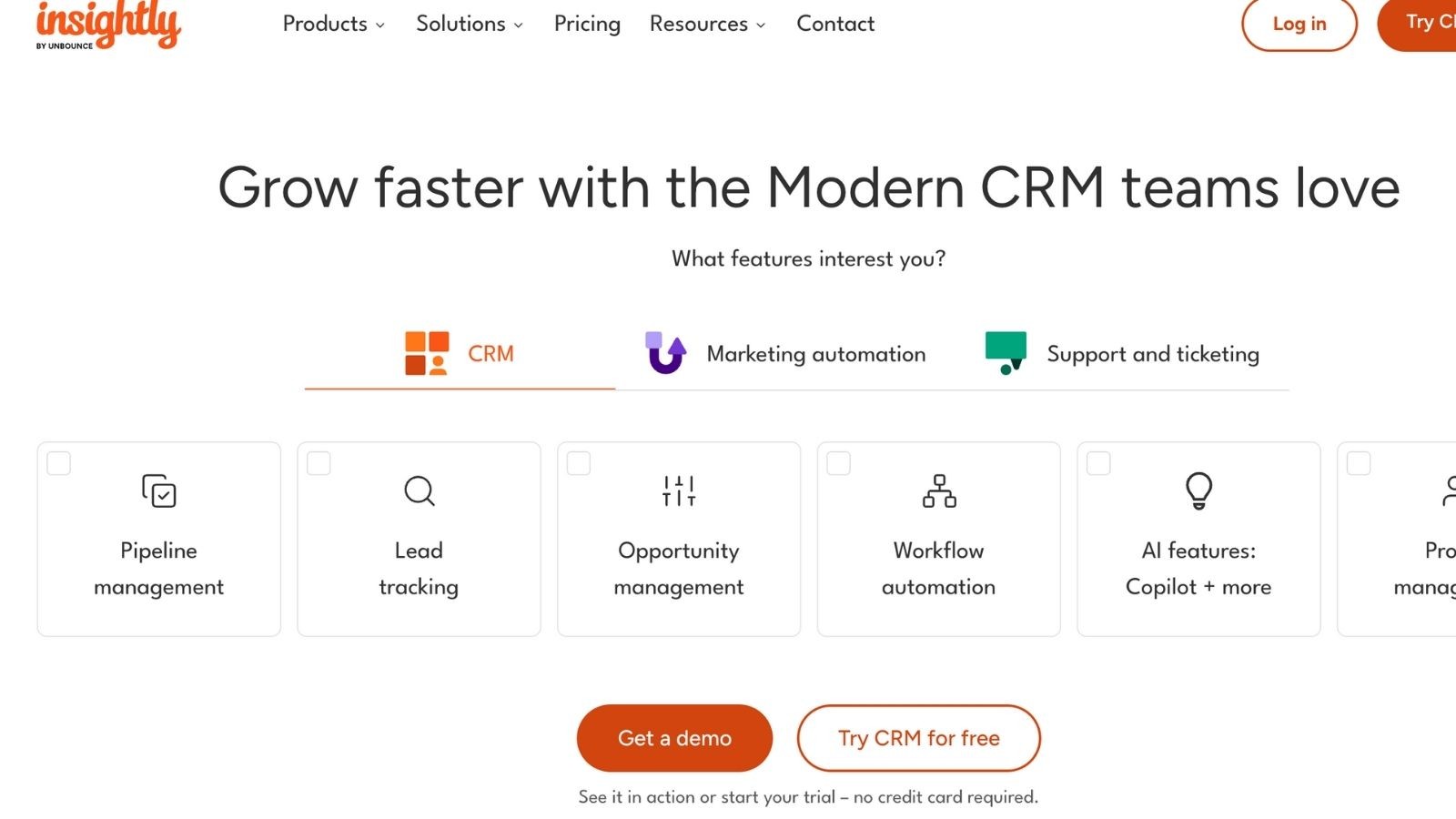
Insightly CRM is an all-in-one solution that not only focuses on sales but on lead management, project tracking, and workflow automation as well. It helps teams stay connected across the entire customer journey. With strong integrations, automation tools, and easy customization, it provides businesses with the flexibility to align their sales and service operations efficiently.
Key Features:
After a deal closes, Insightly CRM automatically creates linked projects with milestones and task timelines.
It automates repetitive tasks like status updates, reminders, or data transfers between departments to save time and avoid manual errors.
It allows you to maintain a complete record of every lead and customer, including emails, files, and communication history.
You can sync Insightly with Gmail, Outlook, and other platforms to log and manage communications directly within the CRM.
Your sales team can build detailed and customizable reports to analyze performance and track key metrics in real time.
Pricing
Insightly CRM’s plans start at $29 per user per month. This includes basic CRM features like contact and project management. It's higher tiers add more features like advanced workflow automation and analytics.
10. Custom CRM (via Deliverables Agency)
Some companies require a system designed precisely for their operations. Deliverables Agency, an IT software development company, provides a custom-built CRM that matches your exact workflows, data structures, and integration needs. A custom CRM gives you complete control over how your business manages leads, customers, and processes.
Key Features:
It provides a CRM from the ground up with layouts, fields, and modules built specifically for your business.
You can automate repetitive tasks and design unique approval or communication flows that reflect how your team really works.
It easily connects your CRM with existing tools.
It is built to evolve as your business grows, ensuring your CRM remains relevant for years to come.
There are no vendor restrictions or licensing limits. Your company owns the software completely.
Pricing
Since every custom CRM is unique, there are no fixed subscription fees. Development costs can vary depending on complexity, features, and scale. It typically ranges from $50,000 and $500,000 or more.
When to Choose a Custom CRM
If your business has specialized workflows, complex data requirements, or security standards that other CRMs cannot meet, you need a custom CRM. Although it includes upfront investment and careful planning, it provides better efficiency, integration, and customer satisfaction. This makes it worth the investment.
Ideal Users
Custom CRMs are ideal for enterprises, scaling startups, and niche industries that need total flexibility and control over their customer management systems.
Making Your Final Decision
Choosing the right CRM software is one of the most important technology decisions your business will ever make. It is the backbone of your sales operations, customer relationships, and long-term growth.
When evaluating the top 10 CRM software, select the CRM your team will actually use. A user-friendly and intuitive platform will always deliver better results than a complex system filled with features that go unused.
It should also adapt to your business processes, rather than forcing you to change them. Look for a platform that complements how your team works and scales with your growth over time. Think long-term, not just about what you need today but about where your company will be in the next few years.
The customer relationships you build today will shape your business success tomorrow. So equip your team with the right tools, embrace the power of CRM, and make every customer interaction truly count.
Ready to implement the best CRM for your company?
The experts at Deliverables Agency can guide you.
Some Topic Insights:
1. What is CRM software and how does it work?
CRM (Customer Relationship Management) software helps businesses store, manage, and analyze customer data in one centralized system. It tracks leads, sales activities, emails, calls, and customer interactions, allowing teams to build stronger relationships and close deals more efficiently.
2. Why is CRM software important for businesses?
3. How much does CRM software cost?
4. Can CRM software integrate with other business tools?
5. What features should I look for in CRM software?